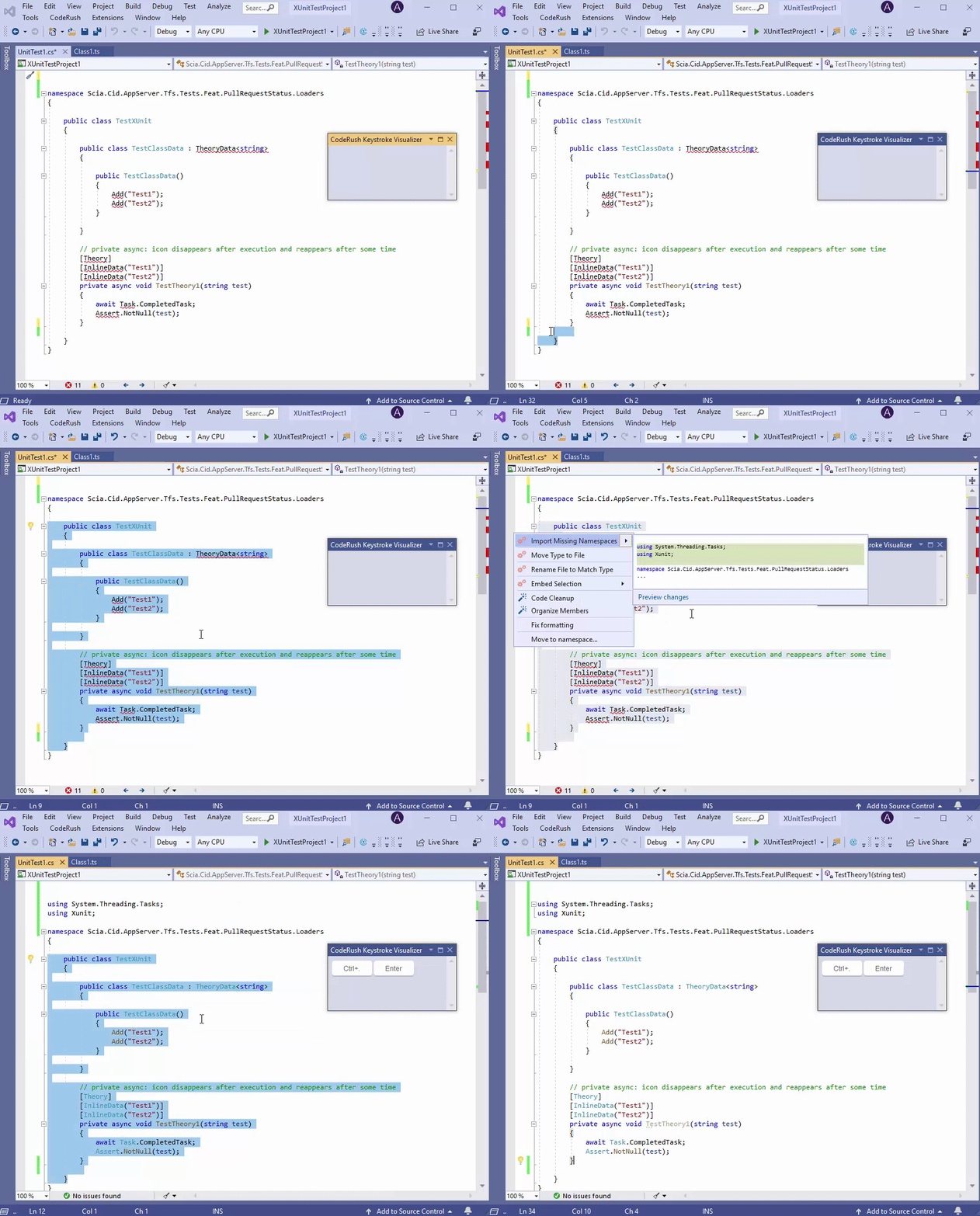
Import Missing Namespaces
Purpose
This refactoring locates types with missing namespace references and adds “using” directives. It relies on Visual Studio to retrieve the namespace list.
Note
This refactoring is available in Visual Studio 2019.
Availability
This refactoring works inside a selected code block with missing namespaces or for active code elements.
How to Use
Select a code block with missing namespaces or place the caret in an active code element.
Press the Ctrl + . or Ctrl + ~ shortcut to invoke the Code Actions menu.
Select Import Missing Namespaces from the menu.
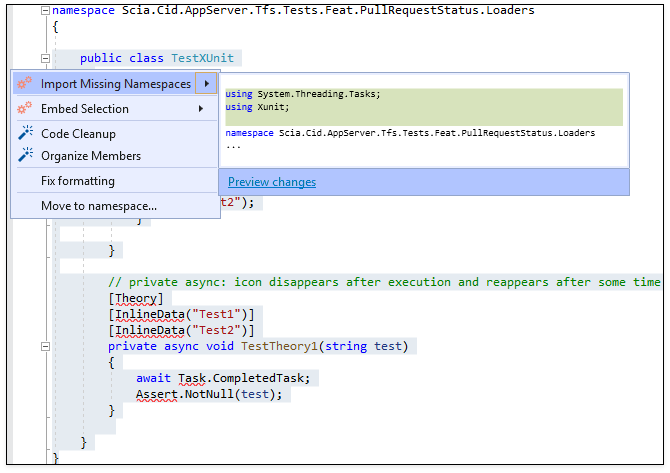
After execution, this Refactoring adds the using directives for each type with a missing namespace reference.