Structural Navigation
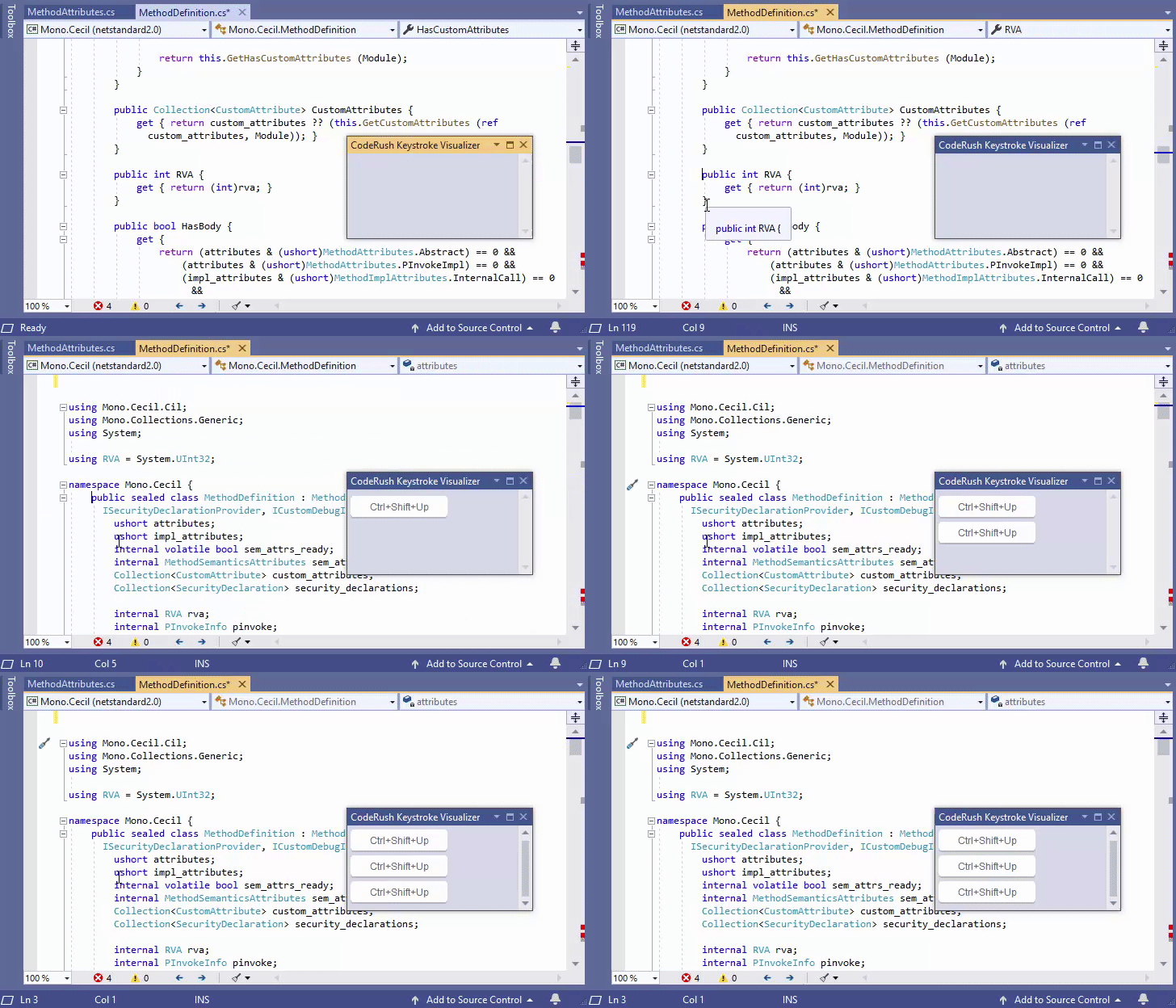
CodeRush can navigate within your code by logical blocks.

Commands
You can use the following commands to jump to different logical blocks inside the code tree.
| Command | Description | Shortcut |
|---|---|---|
| NavNextSibling | Moves the caret to the next sibling element | Ctrl+Down Arrow |
| NavPreviousSibling | Moves the caret to the previous sibling element | Ctrl+Up Arrow |
| NavParent | Moves the caret to the parent element | Ctrl+Shift+Up Arrow |
| NavFirstChild | Moves the caret to the first child element | Ctrl+Shift+Down Arrow |
Enable Shortcuts
Select CodeRush\Shortcuts… from the Visual Studio menu to open the Shortcuts options page.
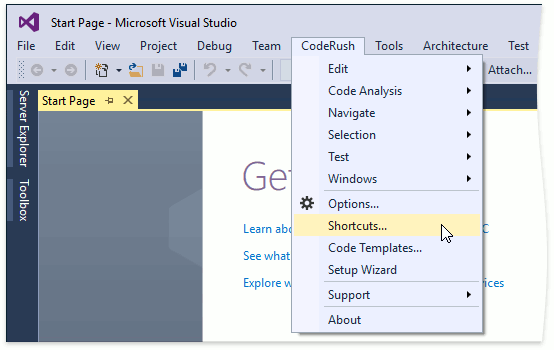
Open the Navigation | Structure group and check the Enabled checkbox for each shortcut.

Examples
Jump to Next/Previous Sibling Element
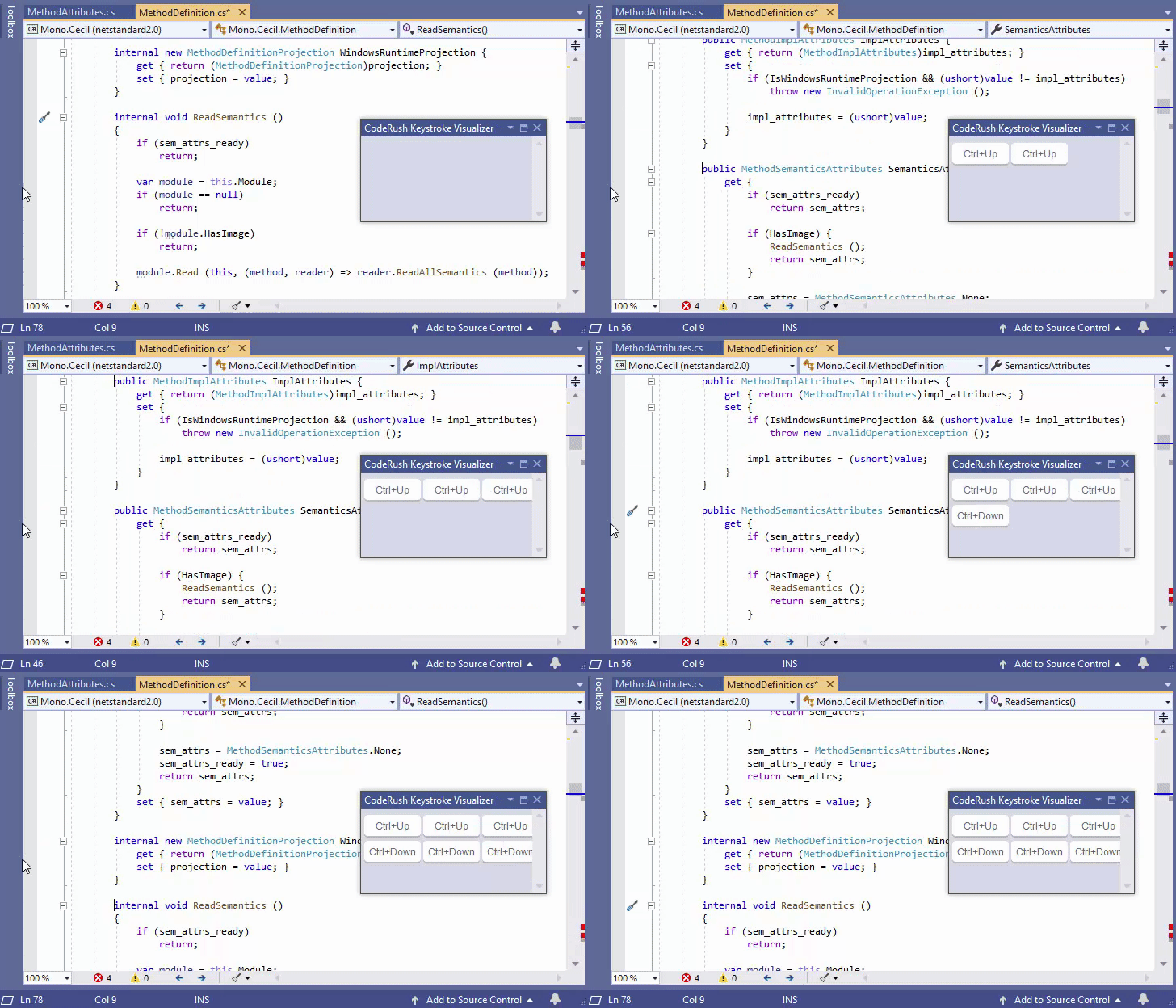
Jump to Parent Element