Print Selection
To print only the selected content of the previewed document, do the following.
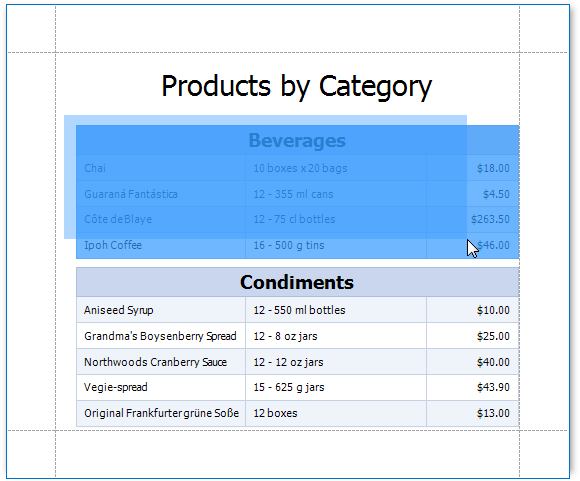
Select the content of the previewed document by holding the left mouse button and dragging the mouse pointer to create a selection box. Expand the selection box to fit all of the content you wish to print. The selected document elements are highlighted.
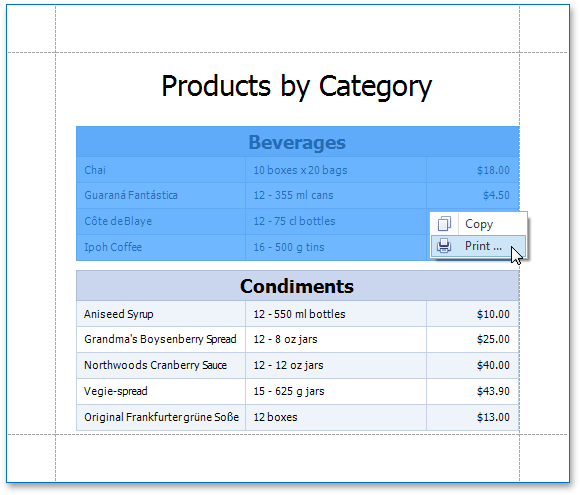
Right-click anywhere within the highlighted area of the document and select Print… in the context menu.
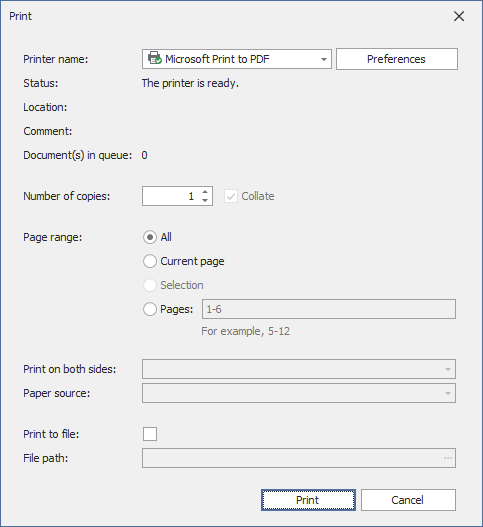
In the invoked Print dialog, specify the required settings and click Print.