Change Printing Settings via the Page Setup Dialog
You can specify page settings in one of the following ways:
Use buttons in the Page Setup group.
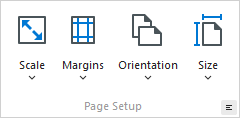
Click the Page Setup button on the toolbar.
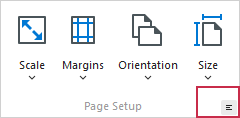
The following dialog will be invoked.
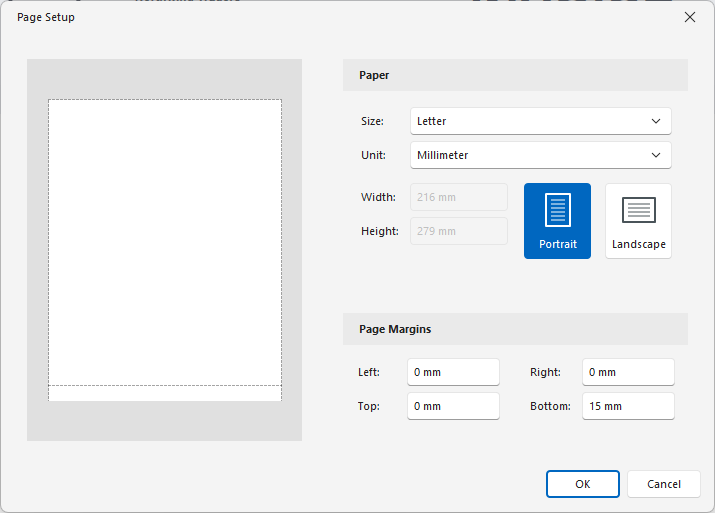
This dialog allows you to do the following:
- Change page orientation (choose Portrait or Landscape).
- Select paper size and measure unit.
- Change page margins.
Note
If you’re working with a document that was loaded from file, the Page Setup commands on the toolbar and main menu will be disabled.