Passing Parameters in Print Preview
Some documents or reports allow you to control data display, and what data is to be displayed by specifying parameter values.
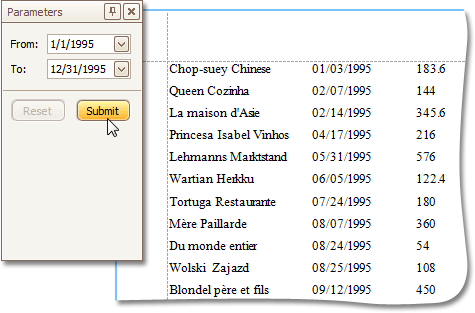
To show the Parameters window, click the Parameters  button on the main toolbar.
Enter the required values and click Submit. After changing the current values, you can revert back the previously selected values by clicking Reset.