Access the WinForms Dashboard Designer
- 2 minutes to read
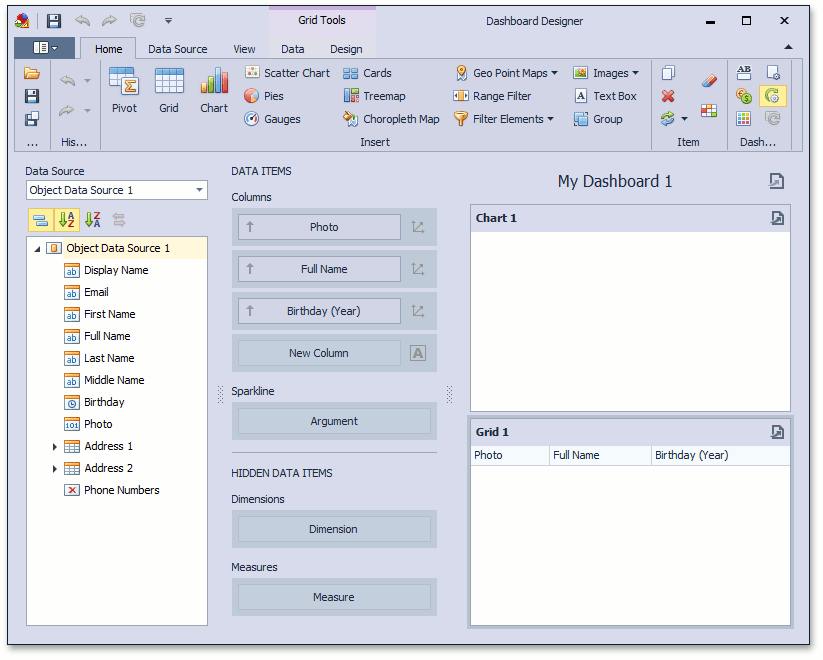
This topic describes how to customize the DashboardDesigner control used to create and modify dashboards in WinForms XAF applications.
- In a Windows Forms module, add a Controller that is activated in the IDashboardData Views only.
- Access the WinShowDashboardDesignerController using the Frame.GetController<ControllerType> method.
- Access the DashboardDesignerManager object using the WinShowDashboardDesignerController.DashboardDesignerManager property.
- Handle the DashboardDesignerManager.DashboardDesignerCreated event and access the DashboardDesigner object using the DashboardDesigner event argument.
using DevExpress.DashboardWin;
using DevExpress.ExpressApp;
using DevExpress.ExpressApp.Dashboards.Win;
using DevExpress.Persistent.Base;
// ...
public class CustomizeDashboardDesigner : ObjectViewController<ObjectView, IDashboardData> {
    protected override void OnActivated() {
        base.OnActivated();
        WinShowDashboardDesignerController showDashboardDesignerController =
             Frame.GetController<WinShowDashboardDesignerController>();
        if (showDashboardDesignerController != null) {
            showDashboardDesignerController.DashboardDesignerManager.DashboardDesignerCreated +=
                DashboardDesignerManager_DashboardDesignerCreated;
        }
    }
    private void DashboardDesignerManager_DashboardDesignerCreated(object sender, DashboardDesignerShownEventArgs e) {
        e.DashboardDesigner.ActionOnClose = DashboardActionOnClose.Save;
    }
    protected override void OnDeactivated() {
        WinShowDashboardDesignerController showDashboardDesignerController =
            Frame.GetController<WinShowDashboardDesignerController>();
        if (showDashboardDesignerController != null) {
            showDashboardDesignerController.DashboardDesignerManager.DashboardDesignerCreated -=
                DashboardDesignerManager_DashboardDesignerCreated;
        }
        base.OnDeactivated();
    }
}