Print Data in WinForms Projects
- 2 minutes to read
The XAF printing system uses the XtraPrinting library to print and preview XAF Views. The printing system contains the PrintingController View Controller that is activated for Detail Views and List Views.
Print Actions are displayed in the File main menu, in the context menu, and the PrintPreview Action is also available in nested List Views.
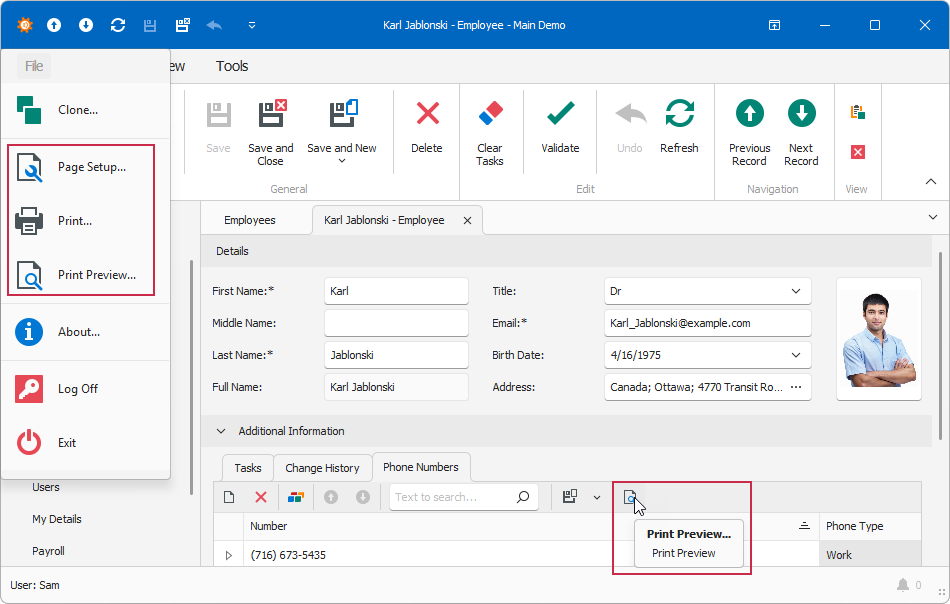
The printing system implements the following Actions:
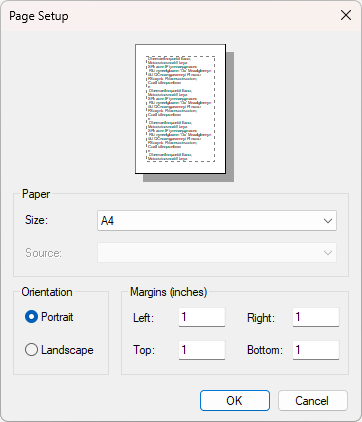
- Page Setup…
Invokes the Page Setup window where users can set up page printing options. This Action is enabled only for root Views.
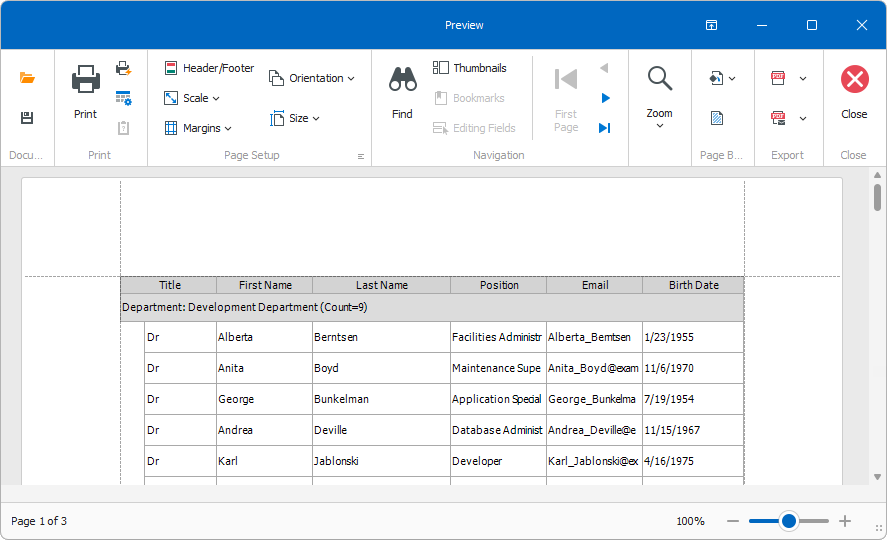
- Print Preview…
Shows how the current View will be printed. Users can make changes in the prepared page before printing. For instance, add color, margins, header, and footer.
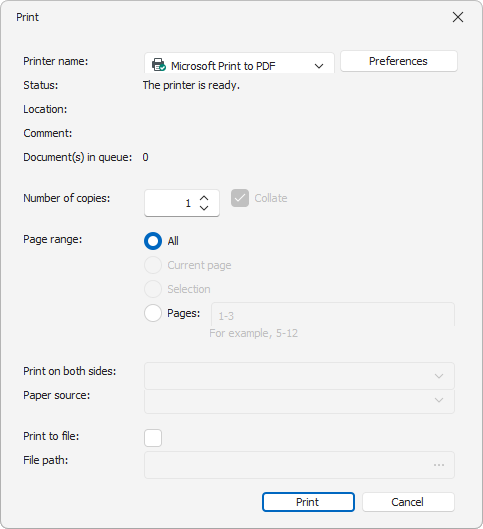
- Print…
Invokes the Print dialog where users can set up printing options and print the prepared page. This Action is enabled only for root Views.
Print Custom List Editor
The XtraPrinting library enables printing for controls that implement the IPrintable interface. XAF default Detail Views and List Views implement this interface and provide printing capabilities to users out of the box.
If you use a custom List Editor to display List Views and want its data to be printable, implement the IExportable interface in the List Editor and the IPrintable interface in the control it uses.
Refer to the following help topic for additional information: How to: Create a Printable ListView Descendant Implementing the IPrintable Interface.
Print Settings Storage
When a user modifies print options in the Page Setup or Preview dialog, the options are saved in the Application Model and are applied to every View in the application.
Set the PrintingSettingsStorage property to View to save print model settings for each View separately.
public class ApplicationBuilder : IDesignTimeApplicationFactory {
    public static WinApplication BuildApplication() {
        builder.AddBuildStep(application => {
            // Configure PrintingSettingsStorage
            var systemModule = application.Modules.FindModule<DevExpress.ExpressApp.Win.SystemModule.SystemWindowsFormsModule>();
            if (systemModule != null) {
                systemModule.PrintingSettingsStorage = DevExpress.ExpressApp.Win.SystemModule.PrintingSettingsStorage.View;
            }
            // ...