Mobile Viewer UI
- 2 minutes to read
The Web Document Viewer in Mobile Mode allows you to navigate and export reports on mobile devices.
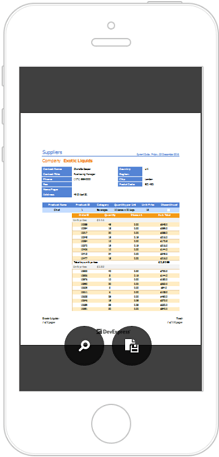
For information on how to switch the Web Document Viewer to mobile mode, review the following help topics:
- Mobile Mode (ASP.NET Web Forms)
- Mobile Mode (ASP.NET MVC)
- Mobile Mode (ASP.NET Core)
- Mobile Mode (Angular)
Note
Mobile viewports are too narrow for practical use of the End-User Report Designer. The Report Designer does not support mobile devices and mobile mode is not available.
Mobile Viewer Features
Navigation
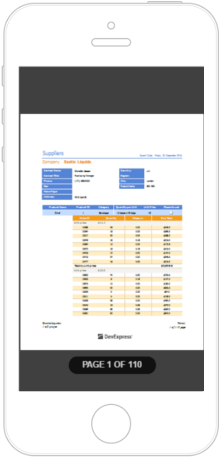
Swipe the screen to the left or right to navigate between document pages.
When end-users navigate between pages, the Mobile Viewer displays the current page number and the total number of document pages.
Zoom
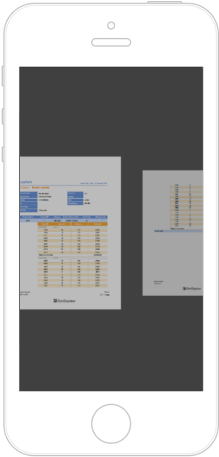
The Mobile Viewer supports touch gestures that enable you to zoom into or out of a document.
Zoom In Zoom Out 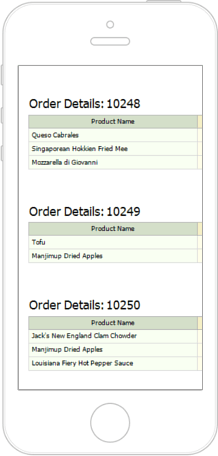
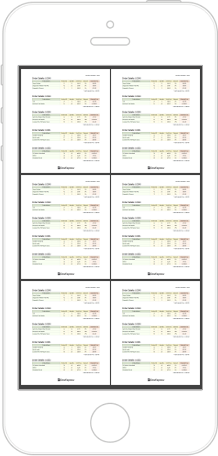
End-users can zoom out to display multiple pages on screen. The maximum number of document pages depends on the mobile device’s screen size.
Text Search
Tap a document and then tap the
 button in the displayed toolbar to search for specific text.
 Alternatively, swipe down on the document page and tap the dedicated area at the top.
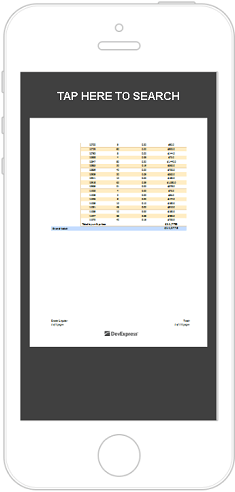
In the search editor, enter the text and tap ENTER.
Export
To export a document to supported formats, tap the Export button (
 ) in the Viewer’s toolbar and select the format.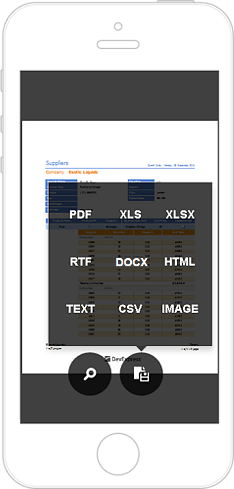
Report Parameters
The Mobile Viewer toolbar displays the Parameters button (
 ) if a report contains any parameters.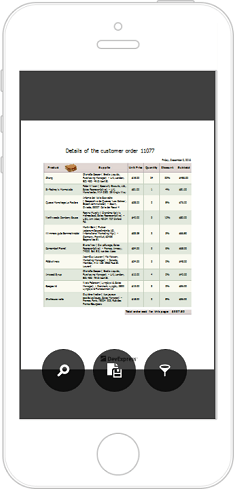
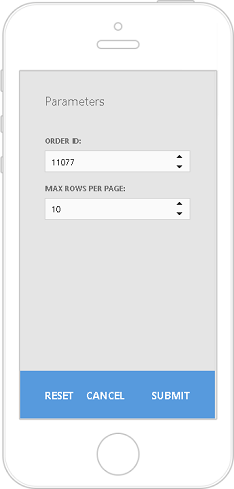
Tap this button to invoke a panel where you can specify and submit new parameter values.
Content Editing
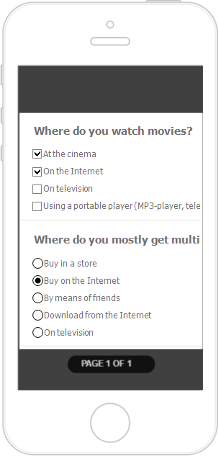
The mobile viewer supports content editing when this feature is enabled in a report document.
Reader Mode
You can switch the Mobile Viewer to the reader mode (display document pages without borders).
Reader Mode On Reader Mode Off 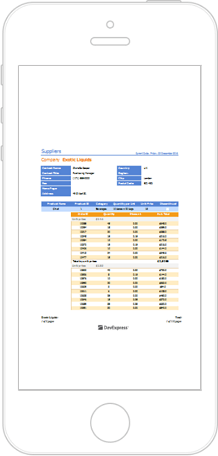
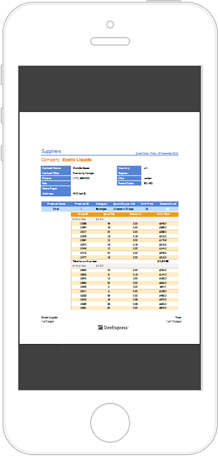
You can toggle the Reader mode in code.
Animation
Most of the actions performed on a document in the Mobile Viewer are animated. You can disable animation in code.