Print a Document Using the Print Dialog
To print a document, do one of the following.
- Click the Print…
 button on the toolbar.
 On the menu, click Print…
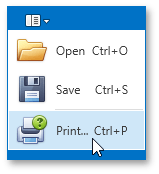
- Press CTRL+P.
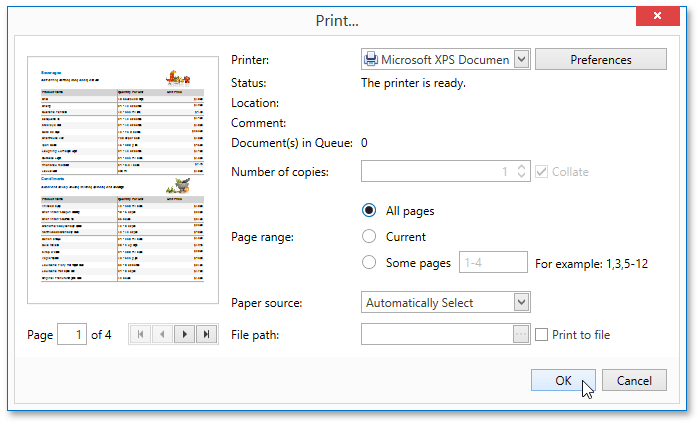
In the invoked Print dialog, specify the necessary settings (the printer name, number of copies, page range, etc.) and click OK.
To learn how to print the document without invoking the Print dialog, see the Print a Document Using Default Settings topic.