Use the Hand Tool in Print Preview
The Hand Tool enables you to scroll content by dragging the document instead of using scrollbars.
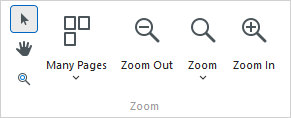
To activate the Hand Tool, click the Hand Tool  button on the toolbar.
Then, after you click a document’s page, the mouse pointer is changed from  to
to  . Drag the mouse pointer to scroll the document.