Error Handling in XAF ASP.NET Core Blazor
- 2 minutes to read
This topic describes the error handling mechanisms in XAF ASP.NET Core Blazor applications and explains how to customize them.
Depending on the conditions under which an error occurs, XAF displays it as a pop-up window, a full-screen error page, or a user-friendly toast notification.
User-Friendly Toast Notifications
XAF displays toast notifications for user-friendly exceptions that implement IUserFriendlyException.

You can make your exception user-friendly in the following ways:
Implement the
IUserFriendlyExceptioninterface in your exception:using DevExpress.ExpressApp; // ... public class MyCustomException : Exception, IUserFriendlyException { public override string Message => "A user-friendly exception message."; }- Use ExceptionService to wrap a custom exception in a
UserFriendlyExceptionobject. Refer to the ExceptionService class description for a complete code sample that shows how to register and use the service in your application.
Development Mode
If the application runs in development mode (HostingEnvironmentExtensions.IsDevelopment returns true), the error window or page includes the error call stack.
Click Copy Details to copy the error message for debugging purposes. You can also check the log files for error details.
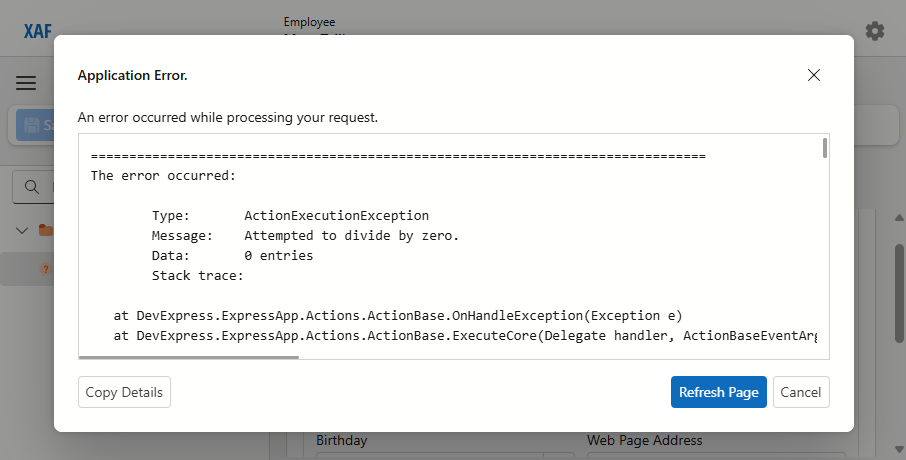
Application Error pop-up window in development mode
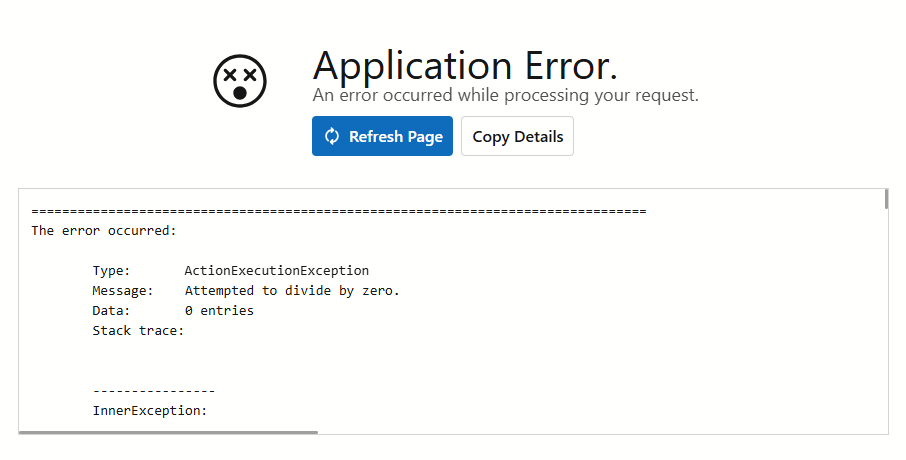
Application Error full-screen page in development mode
Production Mode
If the application runs in production mode (HostingEnvironmentExtensions.IsDevelopment returns false), the error window or page does not include error details, for security reasons. In this case, check the log files for error details.
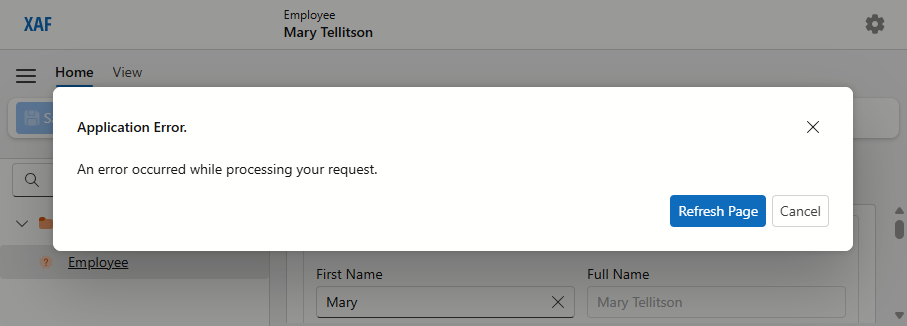
Application Error pop-up window in production mode
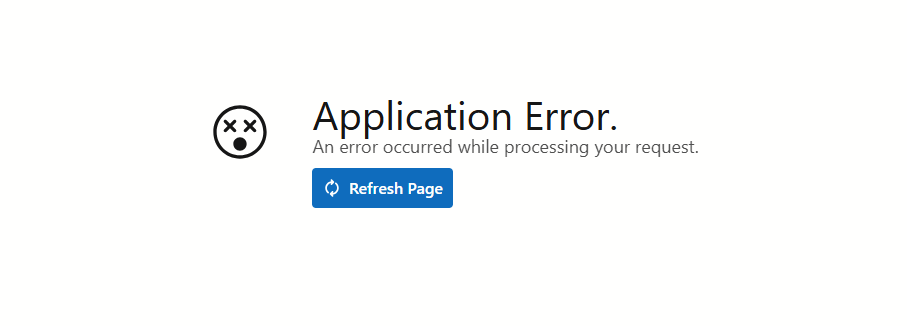
Application Error full-screen page in production mode