Report Designer for JetBrains Rider (CTP)
- 2 minutes to read
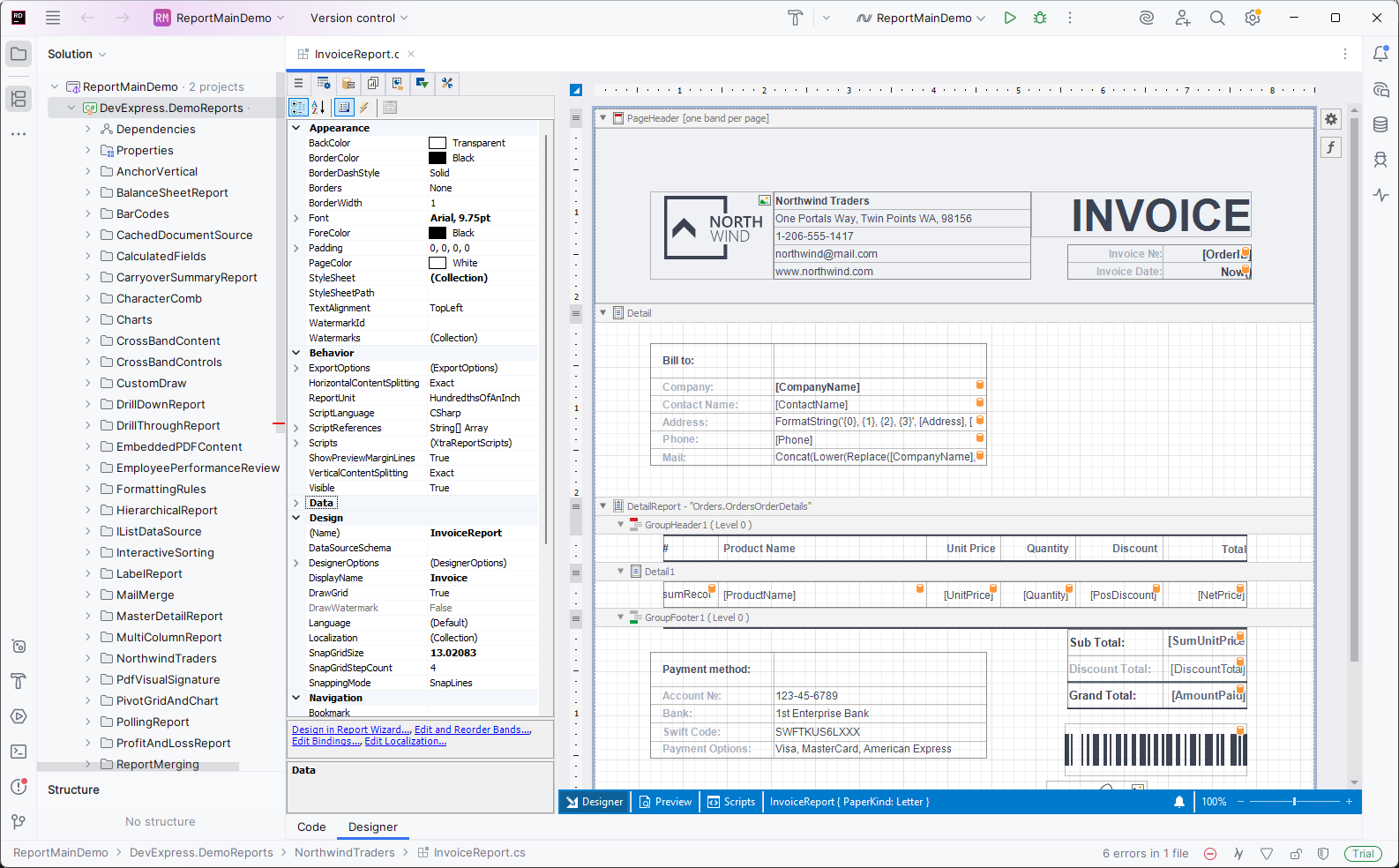
Install the DevExpress Report Designer extension from the JetBrains Marketplace to create and edit DevExpress Reports in JetBrains Rider. Configure data bindings, build and customize reports on the designer surface, and preview results without leaving the IDE.
Prerequisites
- JetBrains Rider v2025.3 and higher.
- DevExpress Report Designer Plugin for JetBrains Rider.
- DevExpress Reports v25.2 (use the DevExpress Unified Component Installer).
Features
Full-featured report designer surface with drag-and-drop layout editing.
Reports created in Report Designers across different IDEs are fully compatible. You can load and edit any report in Visual Studio, Rider, or VS Code.
Report and Data Source Wizards: connect a report to a data source, customize report layout, group and sort data, calculate summaries, and customize styles. SQL, JSON, object data source, Excel, MongoDB, and other data source types are supported.
Built-in preview panel that renders reports directly inside Rider, no external tools required.
Localization support for multi-culture reports, including resource management and translated strings.
Expression Editor for calculated fields, formatting rules, filter conditions, and advanced logic.
Data schema explorer: browse fields, parameters, and hierarchical structures inside the IDE.
Integrated designer panels: Property Grid, Field List, Report Explorer, Group and Sort, Parameters, and Scripts.
Limitations
- Only Microsoft Windows operating system is supported.
- Only .NET Framework 4.7.2+ projects are supported.
Get Started with the DevExpress Report Designer for JetBrains Rider
Review the following help topic for information on how to install the Report Designer extension for JetBrains Rider and create a new report: Create a Report in JetBrains Rider (CTP).
Report Designer GUI
Review the following help topic for information about Report Designer User Interface: Report Designer for JetBrains Rider - User Interface.