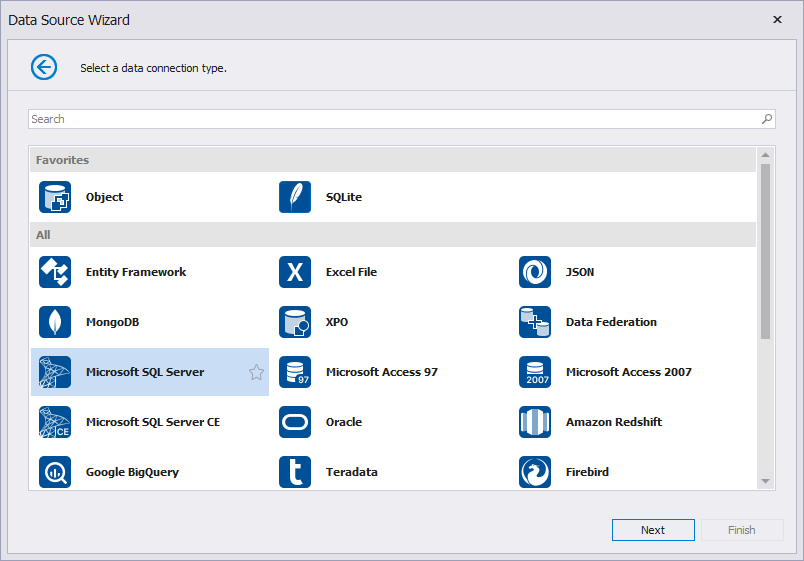
Select a Data Connection Type
This wizard page allows you to select the required data connection type.
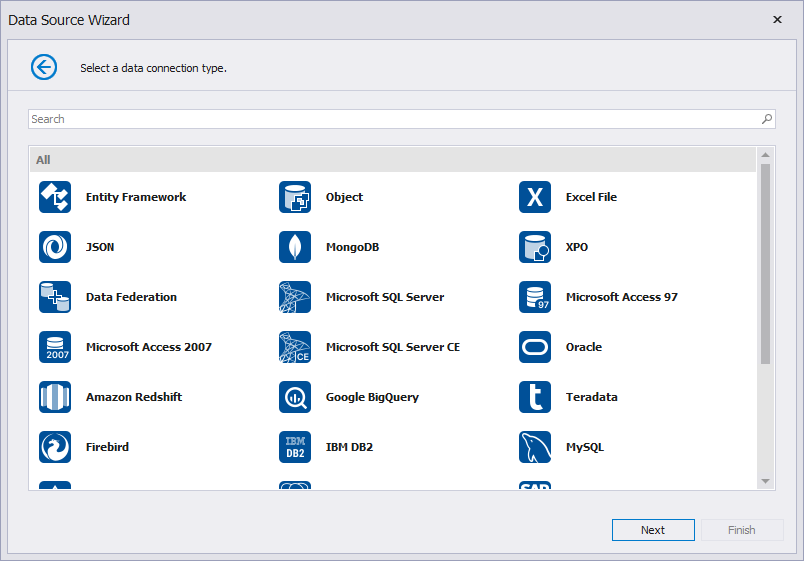
The search panel allows you to filter the connection type list:
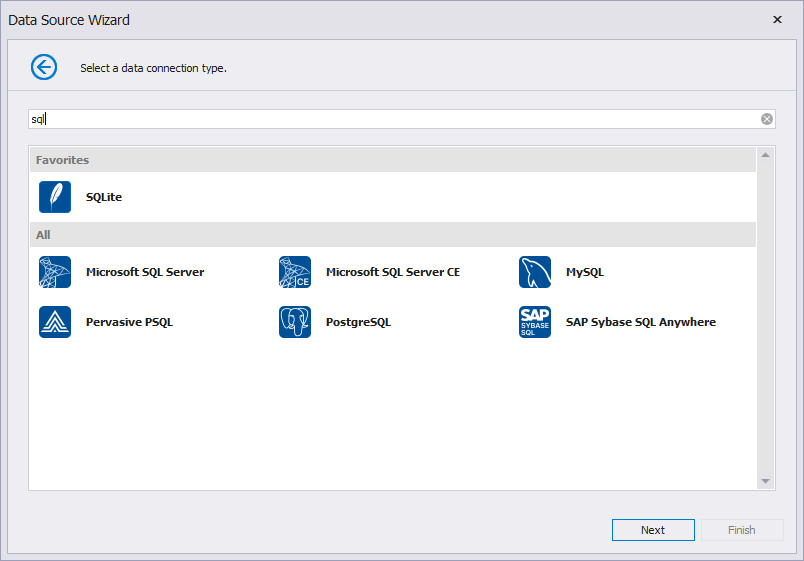
You can select a database provider and click the “star” icon to pin frequently used database providers as favorites. These favorite providers will be displayed at the top of the list for quick access: