Output and Pending Changes Windows
Output Window
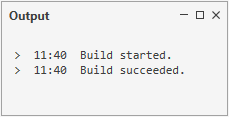
Output window displays the building and publishing statuses and errors.
Pending Changes Window
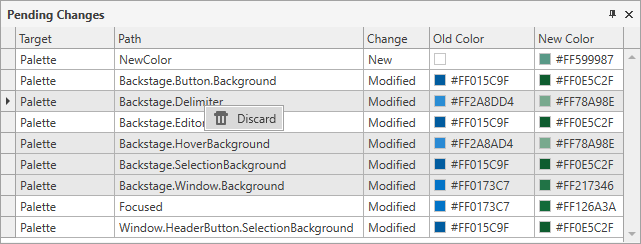
The pending changes window displays all unsaved changes that you have made to a theme and allows you to discard any unsaved changes.

To discard unsaved changes, you need to select the changes you want to discard, right-click them and select Discard in the invoked context menu (or press DELETE).
Tip
You can undo/redo recent changes using the CTRL+Z and CTRL+SHIFT+Z hotkeys, or use the Undo/Redo buttons on the Quick Access Toolbar in the Theme Designer Ribbon.