Hints: Crosshair Cursor
- 2 minutes to read
A Cartesian Chart can show a hint as a standard tooltip or a Crosshair Cursor.
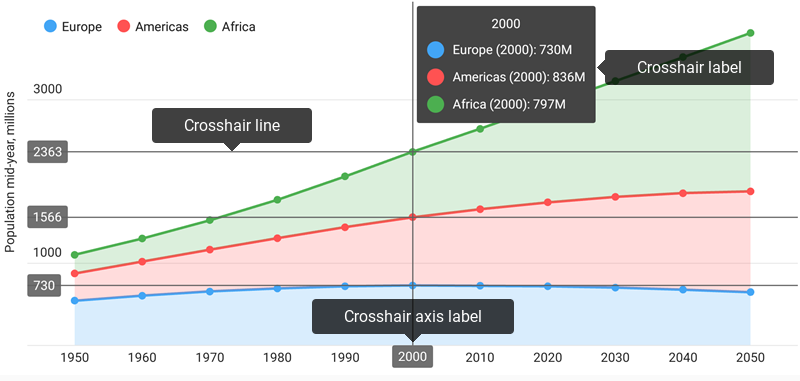
How to: Specify the Crosshair Cursor behavior
Use the following code to specify the Cartesian Chart’s hint type:
Hint hint = new Hint();
hint.setEnabled(true);
chart.setHint(hint);
CrosshairHintBehavior behavior = new CrosshairHintBehavior();
behavior.setMaxSeriesCount(3);
behavior.setGroupHeaderTextPattern("{A$MMM/dd/YYYY}");
hint.setBehavior(behavior);
The Hint.setBehavior(HintBehavior) method specifies the hint’s behavior. The following behaviors are available:
| Behavior | Example | Description |
|---|---|---|
| TooltipHintBehavior | 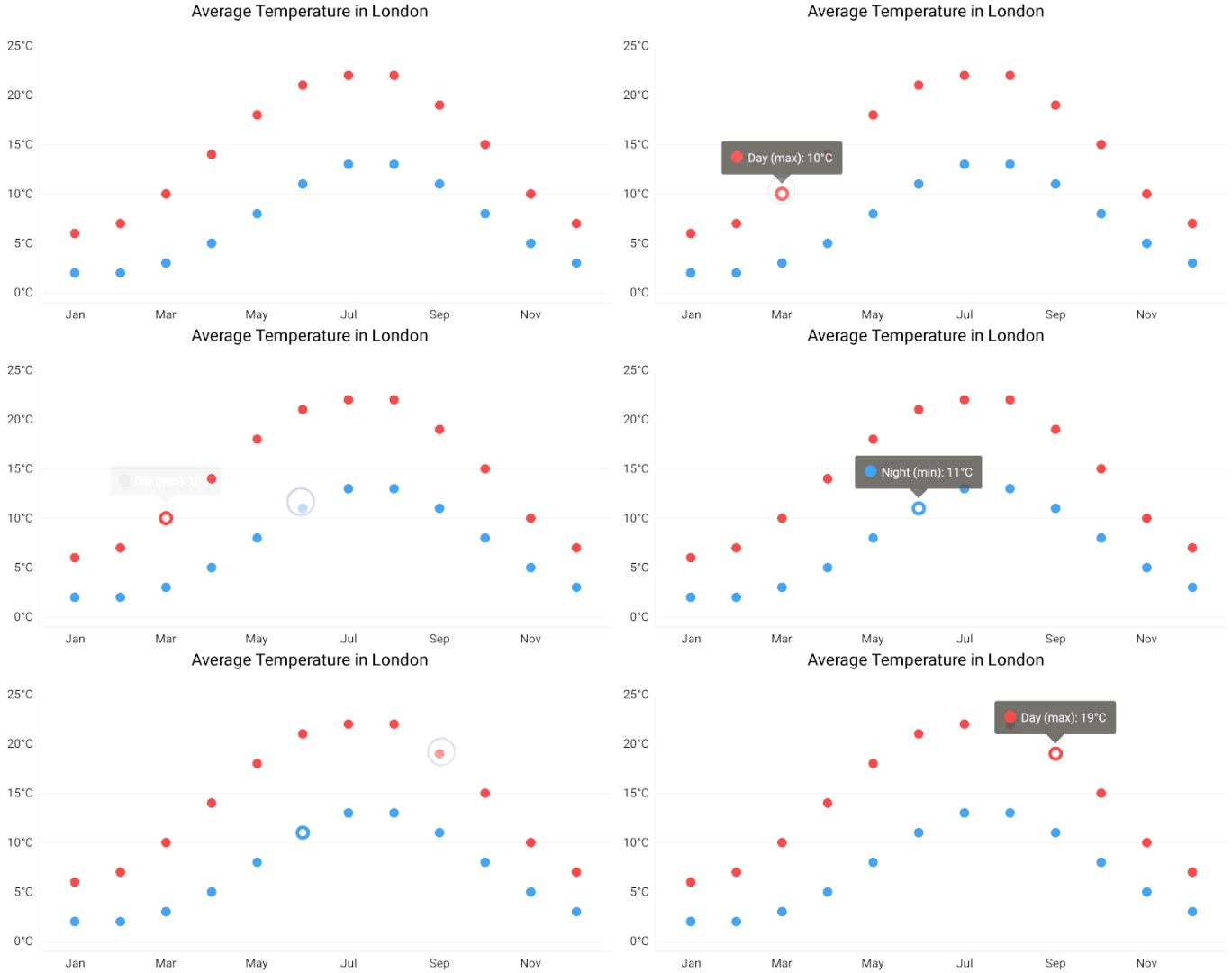 |
A hint behaves like a tooltip. |
| CrosshairHintBehavior | 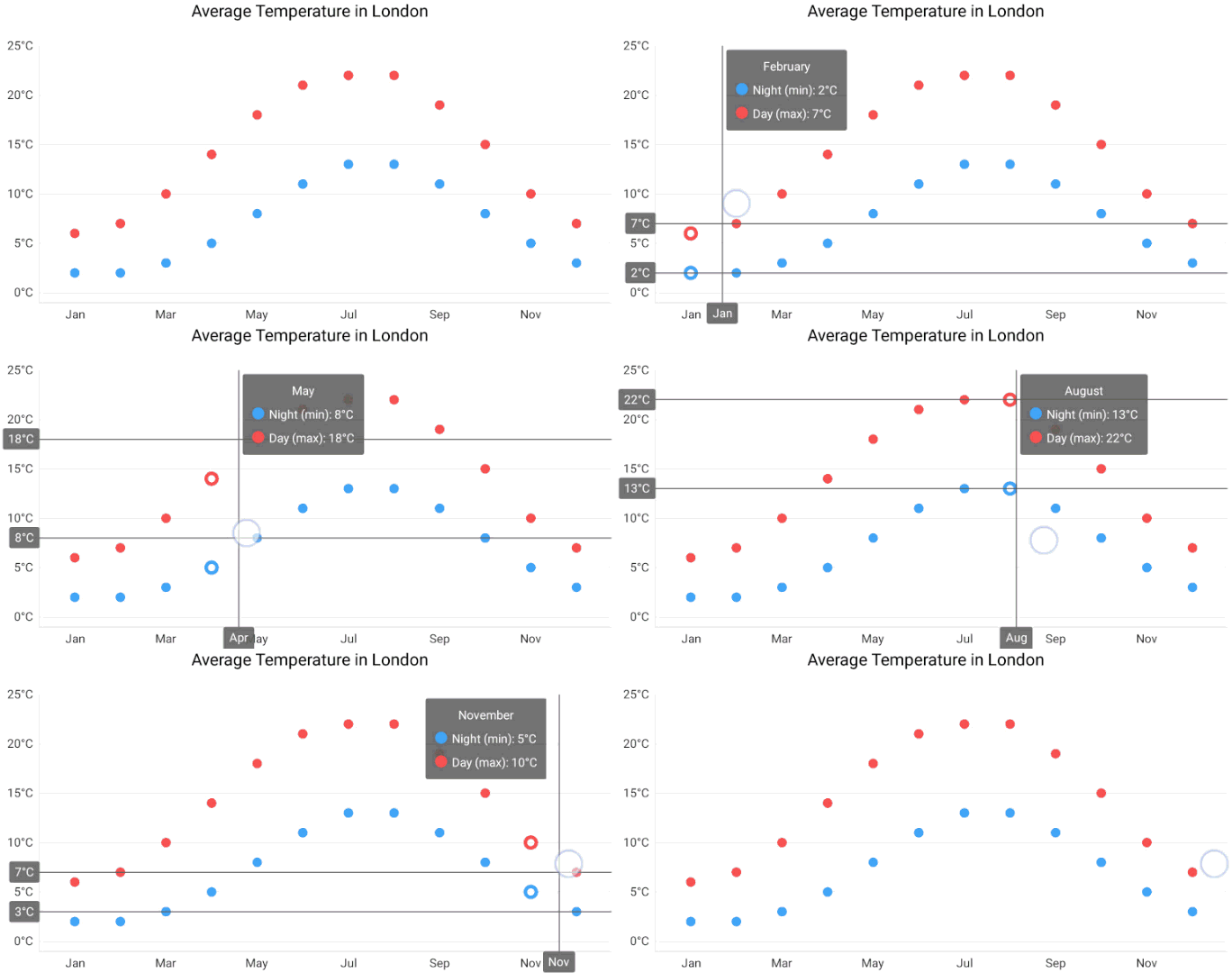 |
A hint behaves like a crosshair cursor. |
How to: Configure a hint interaction with an axis
In addition to a hint-series interaction, Cartesian Chart’s hint interacts with an axis. The following code demonstrates how to disable a specific axis’ Crosshair line and label:
AxisHintOptions axisHintOptions = new AxisHintOptions();
axisHintOptions.setLabelVisible(false);
axisHintOptions.setLineVisible(false);
yAxis.setHintOptions(axisHintOptions);
The following symbols configure how the Crosshair Cursor interacts with an axis:
| Symbol | Description |
|---|---|
| AxisHintOptions | The axis hint options storage. |
| AxisBase.setHintOptions(AxisHintOptions) | Specifies axis hint options. |
How to: Snap the Crosshair label to a chart’s corner
The Crosshair label can follow the Crosshair’s argument line or settle any chart corner.
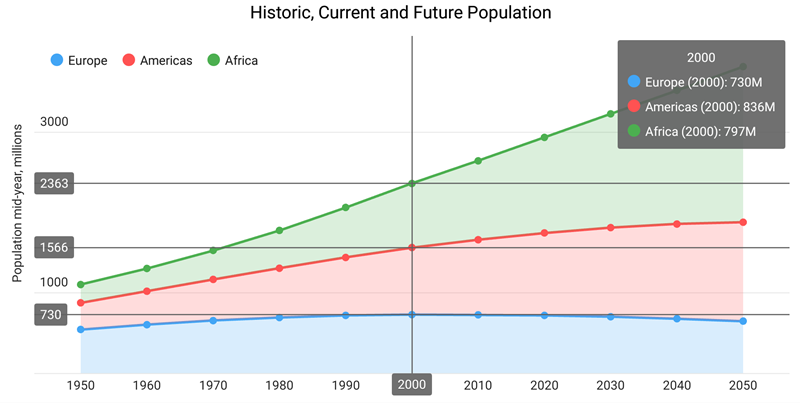
The following sample demonstrates how to snap the Crosshair label to the Chart’s top-right corner:
Hint hint = new Hint();
chart.setHint(hint);
CrosshairHintBehavior behavior = new CrosshairHintBehavior();
behavior.setMaxSeriesCount(3);
hint.setBehavior(behavior);
StaticCrosshairLabelPosition crosshairLabelPosition = new StaticCrosshairLabelPosition();
crosshairLabelPosition.setVerticalAlignment(LabelPositionVerticalAlignment.TOP);
crosshairLabelPosition.setHorizontalAlignment(LabelPositionHorizontalAlignment.RIGHT);
behavior.setLabelPosition(crosshairLabelPosition);
The following position modes specify the label’s position:
| Position | Sample Image | Description |
|---|---|---|
| StaticCrosshairLabelPosition | 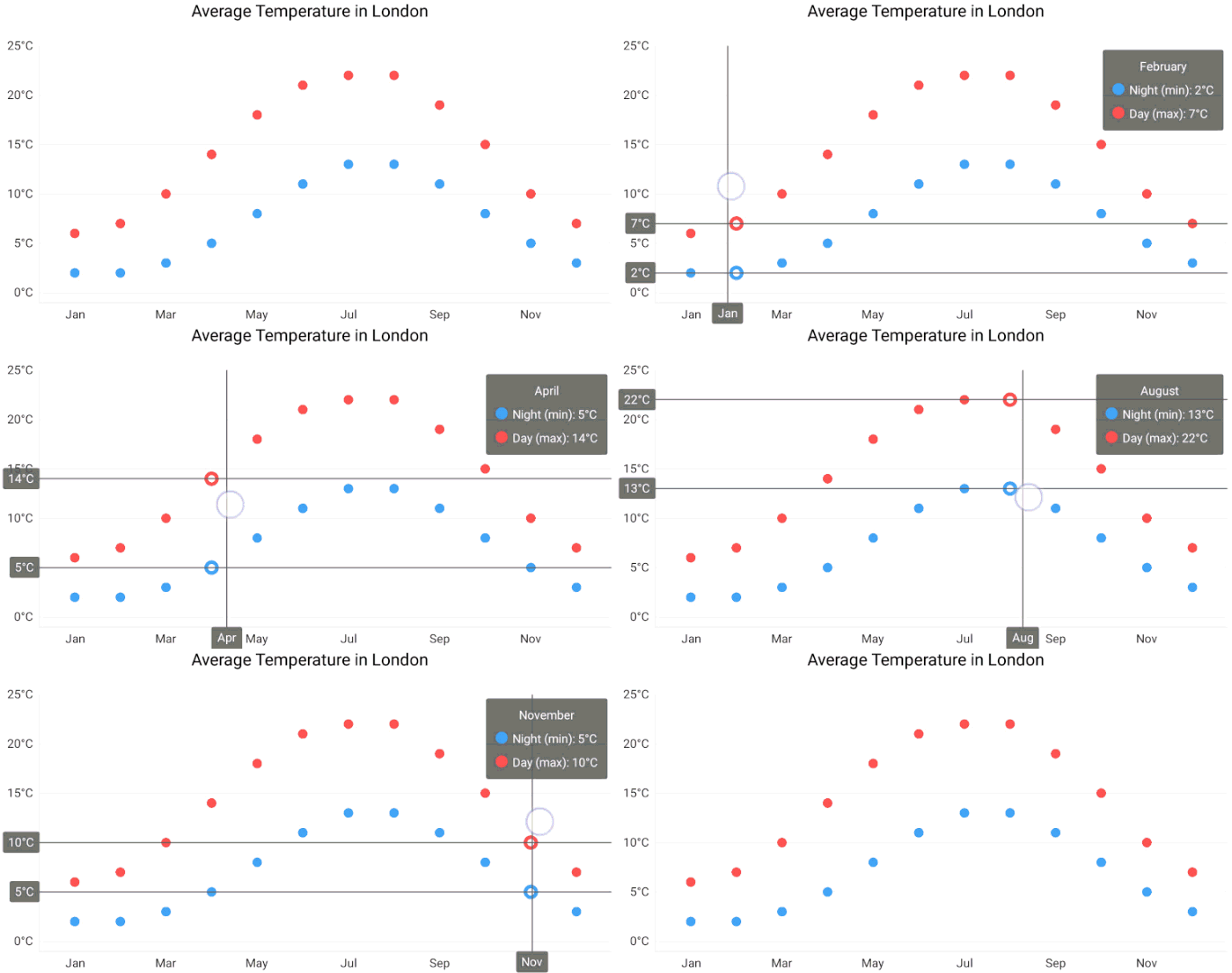 |
A Crosshair’s Label has a static position. |
| LineTrackingCrosshairLabelPosition | |
Defines the crosshair label’s behavior when it follows the cursor. |