# How to: Create a Custom Splash Screen | WPF Controls | DevExpress Documentation
[View Example: WPF Splash Screen - Show a Cancelable Wait Indicator](https://github.com/DevExpress-Examples/wpf-splash-screen-show-cancelable-wait-indicator)
## Customize the SplashScreenWindow Options
The [SplashScreenWindow](/WPF/DevExpress.Xpf.Core.SplashScreenWindow) class provides options for splash screens in the [SplashScreenManager](/WPF/DevExpress.Xpf.Core.SplashScreenManager).
Use the [SplashScreenManager.Create](/WPF/DevExpress.Xpf.Core.SplashScreenManager.Create%28System.Func-System.Windows.Window--DevExpress.Mvvm.DXSplashScreenViewModel%29) method to customize the splash screen window options.
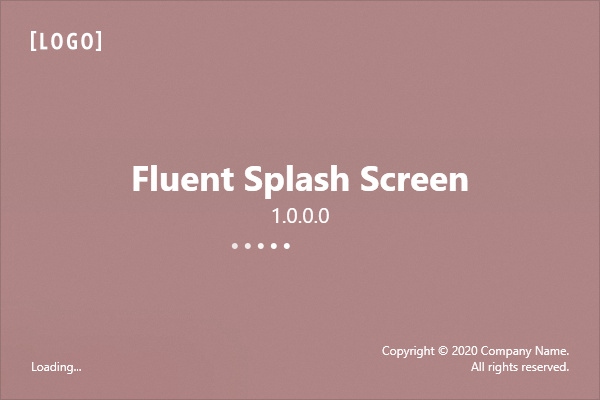
The following example illustrates how to create a fluent splash screen with a custom color tint:
- C#
- VB.NET
SplashScreenManager.Create(() => new FluentSplashScreen() {
    AcrylicColor = Color.FromArgb(100, 120, 0, 0)
});
SplashScreenManager.Create(Function() New FluentSplashScreen() With {.AcrylicColor = Color.FromArgb(100, 120, 0, 0)})
## Create a Custom Splash Screen Window
Create a [SplashScreenWindow](/WPF/DevExpress.Xpf.Core.SplashScreenWindow) descendant and pass its constructor as the [SplashScreenManager.Create](/WPF/DevExpress.Xpf.Core.SplashScreenManager.Create%28System.Func-System.Windows.Window--DevExpress.Mvvm.DXSplashScreenViewModel%29) method parameter.
To display a custom splash screen with the [SplashScreenManagerService](/WPF/401692/mvvm-framework/services/predefined-set/splashscreenmanagerservice), set the [SplashScreenManagerService.SplashScreenType](/WPF/DevExpress.Xpf.Core.SplashScreenManagerService.SplashScreenType) property to the custom splash screen view type.
Note
To apply the application [theme](/WPF/7406/common-concepts/themes) to controls that you use as a content of a custom splash screen, set the [SplashScreenWindow.AllowTheming](/WPF/DevExpress.Xpf.Core.SplashScreenWindow.AllowTheming) property to **true**. This option is disabled by default to speed up the splash screen window initialization.
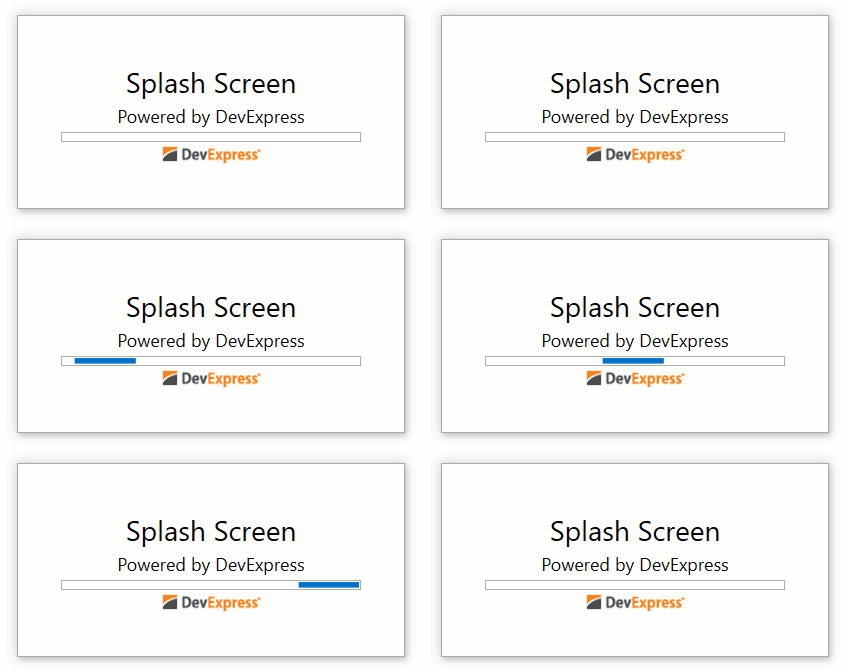
The example below illustrates how to create a custom startup splash screen.
- CustomSplashScreen.xaml
 <dx:SplashScreenWindow x:Class="Application.CustomSplashScreen"
        xmlns="http://schemas.microsoft.com/winfx/2006/xaml/presentation"
        xmlns:x="http://schemas.microsoft.com/winfx/2006/xaml"
        xmlns:dx="http://schemas.devexpress.com/winfx/2008/xaml/core"
        xmlns:dxt="http://schemas.devexpress.com/winfx/2008/xaml/core/themekeys"
        xmlns:mvvm="http://schemas.devexpress.com/winfx/2008/xaml/mvvm"
        WindowStyle="None"
        Height="200"
        Width="400"
        DataContext="{x:Static mvvm:DXSplashScreenViewModel.DesignTimeData}">
    <Grid>
        <StackPanel VerticalAlignment="Center">
            <TextBlock Text="{Binding Title}" FontSize="28" HorizontalAlignment="Center" />
            <TextBlock Text="{Binding Subtitle}" FontSize="18" HorizontalAlignment="Center" Margin="4" />
            <ProgressBar IsIndeterminate="{Binding IsIndeterminate}" Height="10" Width="300" />
            <dx:DXImage Source="{Binding Logo}" Width="100" Margin="4" />
        </StackPanel>
    </Grid>
</dx:SplashScreenWindow>
- C#
- VB.NET
static App() {
    SplashScreenManager.Create(() => new CustomSplashScreen(), new DXSplashScreenViewModel {
        IsIndeterminate = true,
        Title = "Splash Screen",
        Subtitle = "Powered by DevExpress",
        Logo = new Uri("../../Images/Logo.png", UriKind.Relative)
    }).ShowOnStartup();
}
Shared Sub New()
        SplashScreenManager.Create(Function() New CustomSplashScreen(), New DXSplashScreenViewModel With {
        .IsIndeterminate = True,
        .Title = "Splash Screen",
        .Subtitle = "Powered by DevExpress",
        .Logo = New Uri("../../Images/Logo.png", UriKind.Relative)
    }).ShowOnStartup()
End Sub
### Edit a Predefined Splash Screen
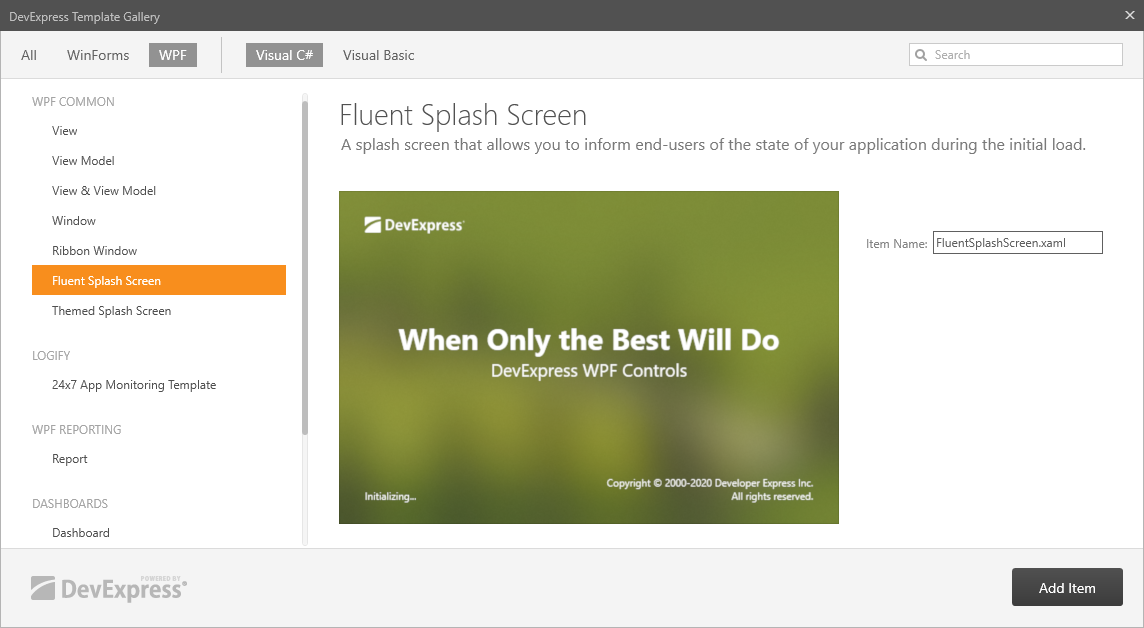
You can use a predefined splash screen as a template for a custom splash screen. Right-click your project in the Visual Studio Solution Explorer window and select **Add DevExpress Item | New Item**. In the invoked [DevExpress Template Gallery](/WPF/16495/whats-installed/template-gallery), select **Fluent Splash Screen** or **Themed Splash Screen**.